Setup and installation of 'LocalAI: Self-Hosted Alternative to OpenAI & Anthropic' on AWS
This section describes how to launch and connect to ‘LocalAI: Self-Hosted Alternative to OpenAI & Anthropic’ VM solution on AWS.
- Open LocalAI: Self-Hosted Alternative to OpenAI & Anthropic VM listing on AWS marketplace.
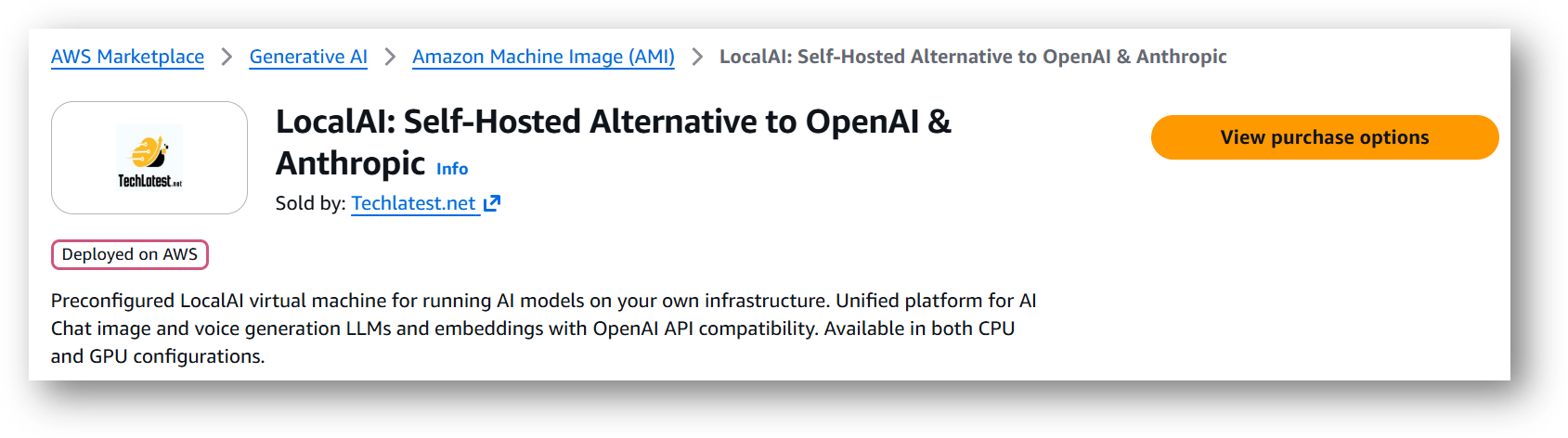
- Click on View purchase options.
- Login with your credentials and follow the instruction.
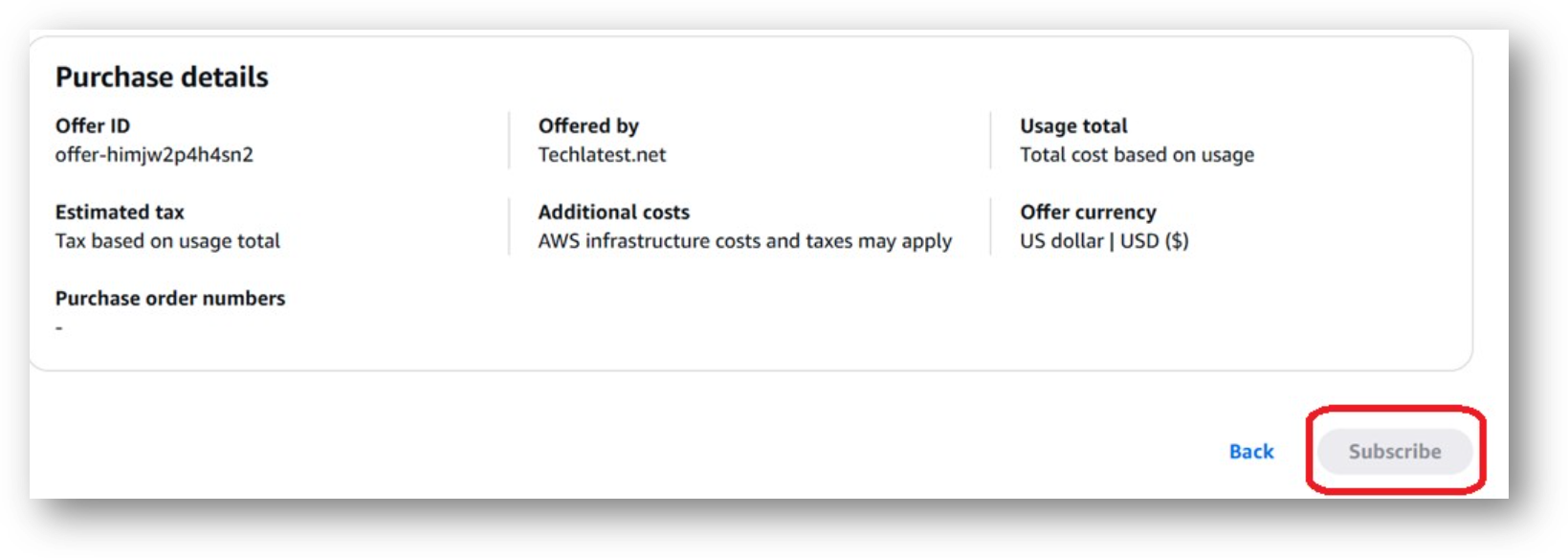
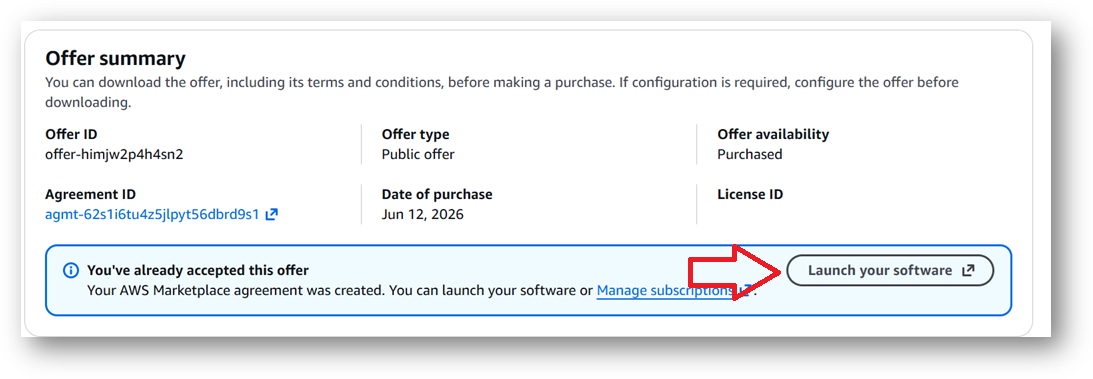
- Review the prices and subscribe to the product by clicking on subscribe button located at the bottom of this page. Once you are subscribed to the offer, click on Launch your software button.
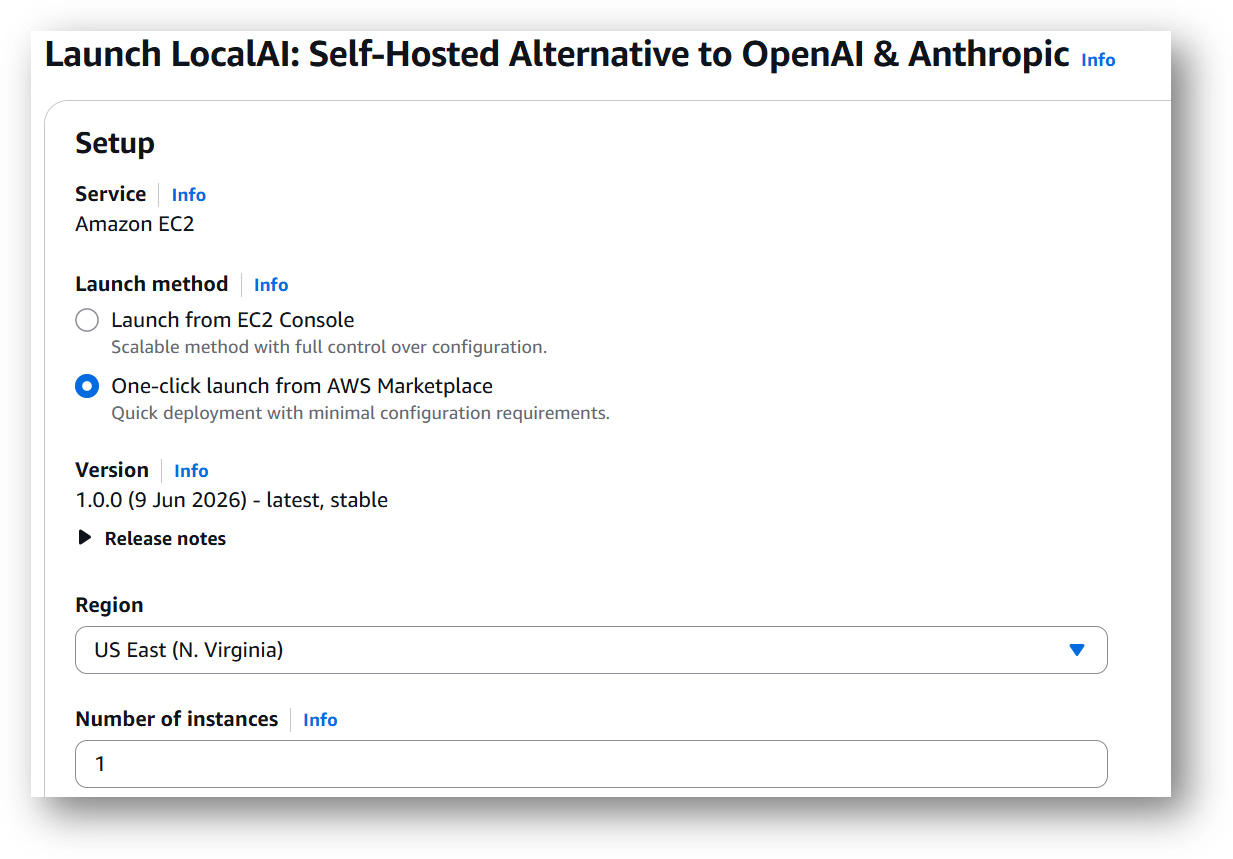
- Next page will show you the options to launch the instance, Launch through EC2 and One-click launch from AWS Marketplace. Tick the 2nd option One-click launch from AWS Marketplace.
-
Select a Region where you want to launch the VM(such as US East (N.Virginia))
-
Optionally change the EC2 instance type. (This defaults to t2.xlarge instance type, 4 vCPUs and 16 GB RAM.)
Please note that the VM can also be deployed using NVIDIA GPU instance. If you want to deploy this instance with GPU configuration then Please choose NVIDIA GPU (e.g g4dn.xlarge) or check the available NVIDIA GPU instances on AWS documentation page.
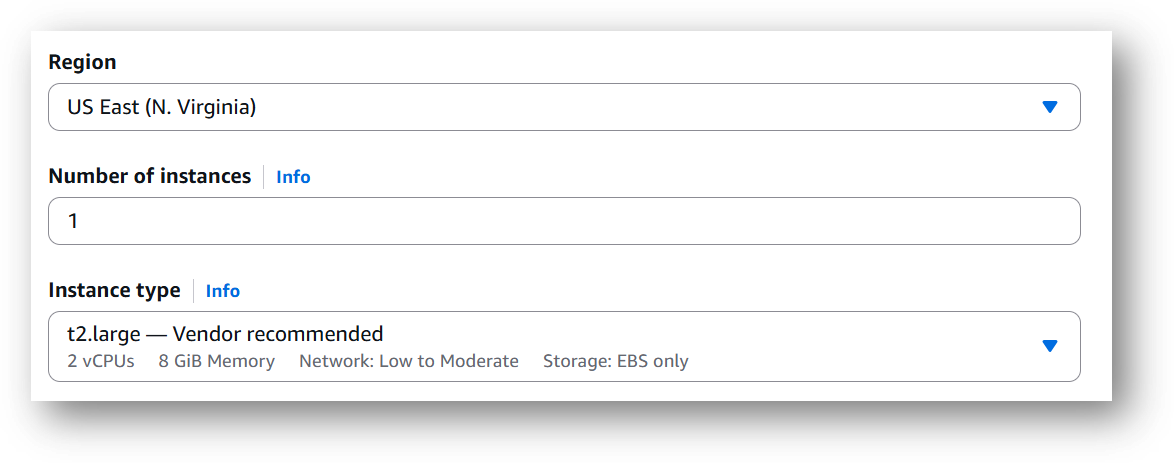
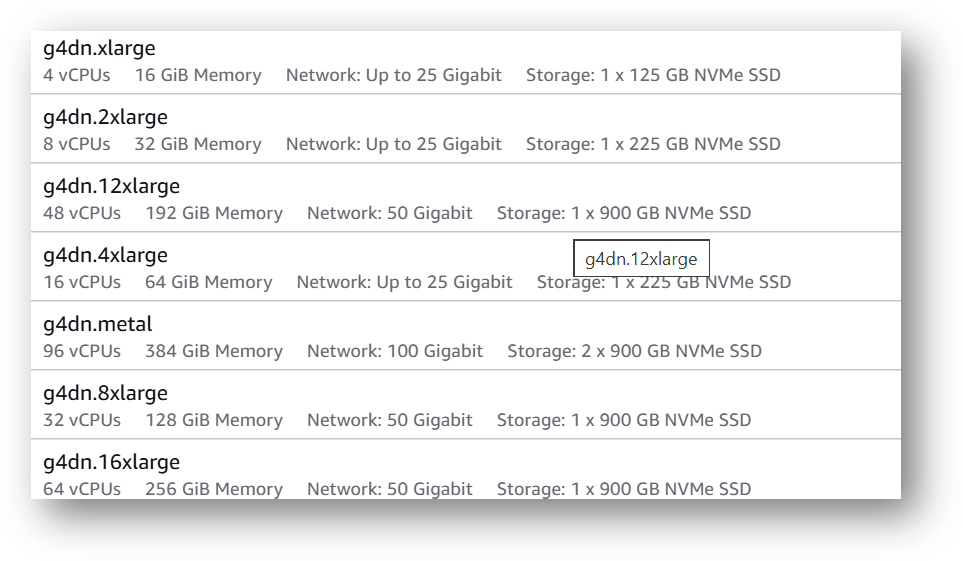
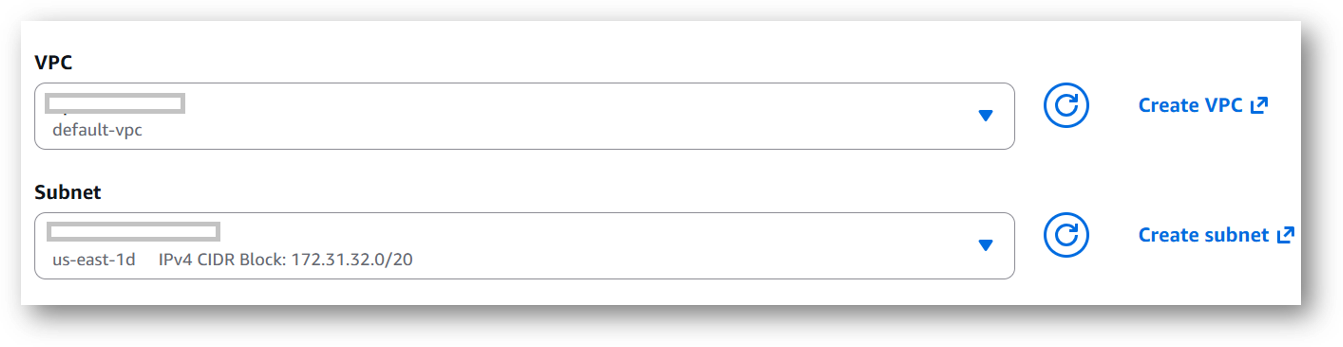
- Optionally change the network name and subnetwork names.
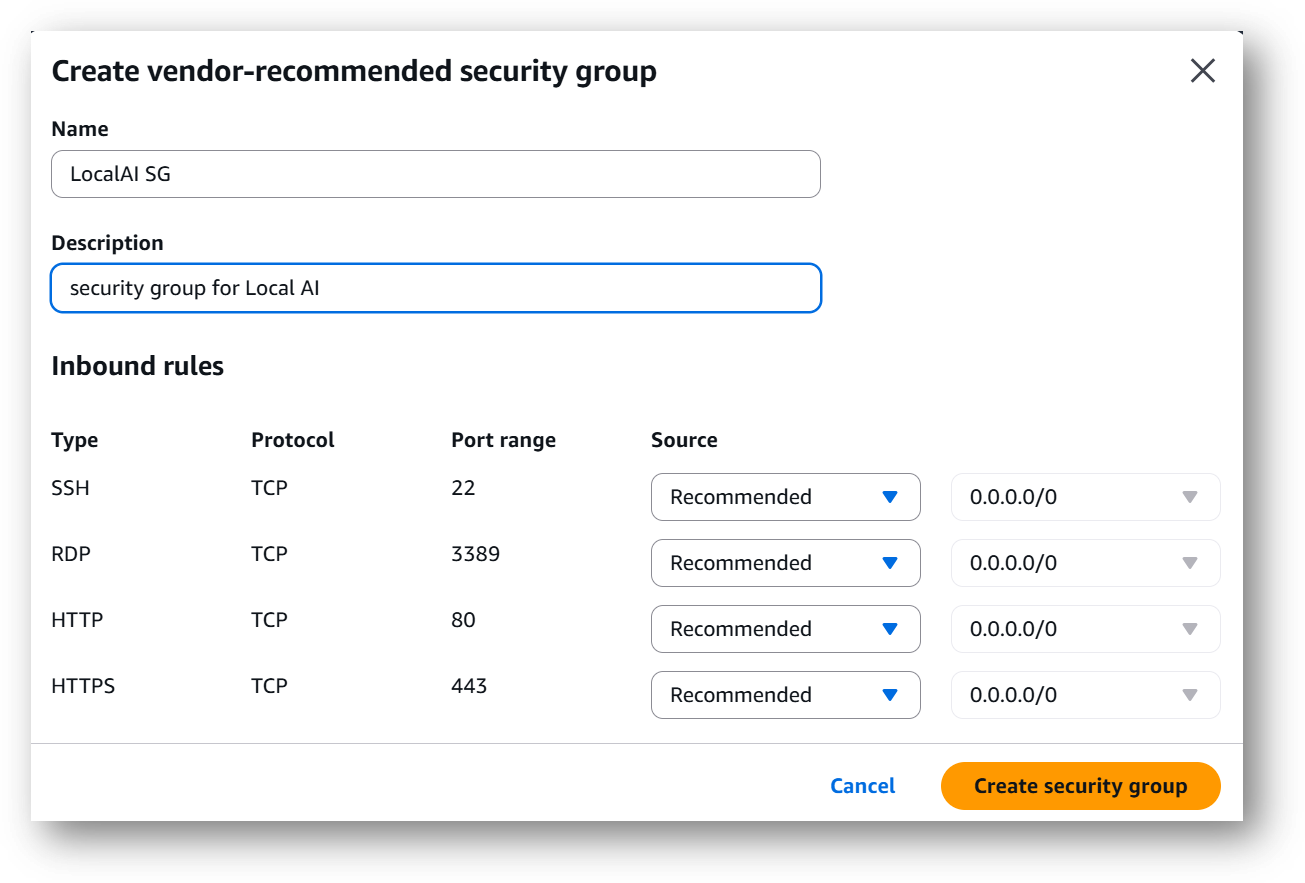
- Select the Security Group. Be sure that whichever Security Group you specify have ports 22 (for SSH), 3389 (for RDP), 80 (for HTTP) and 443 (for HTTPS) exposed. Or you can create the new SG by clicking on “Create Security Group” button. Provide the name and description and save the SG for this instance.

-
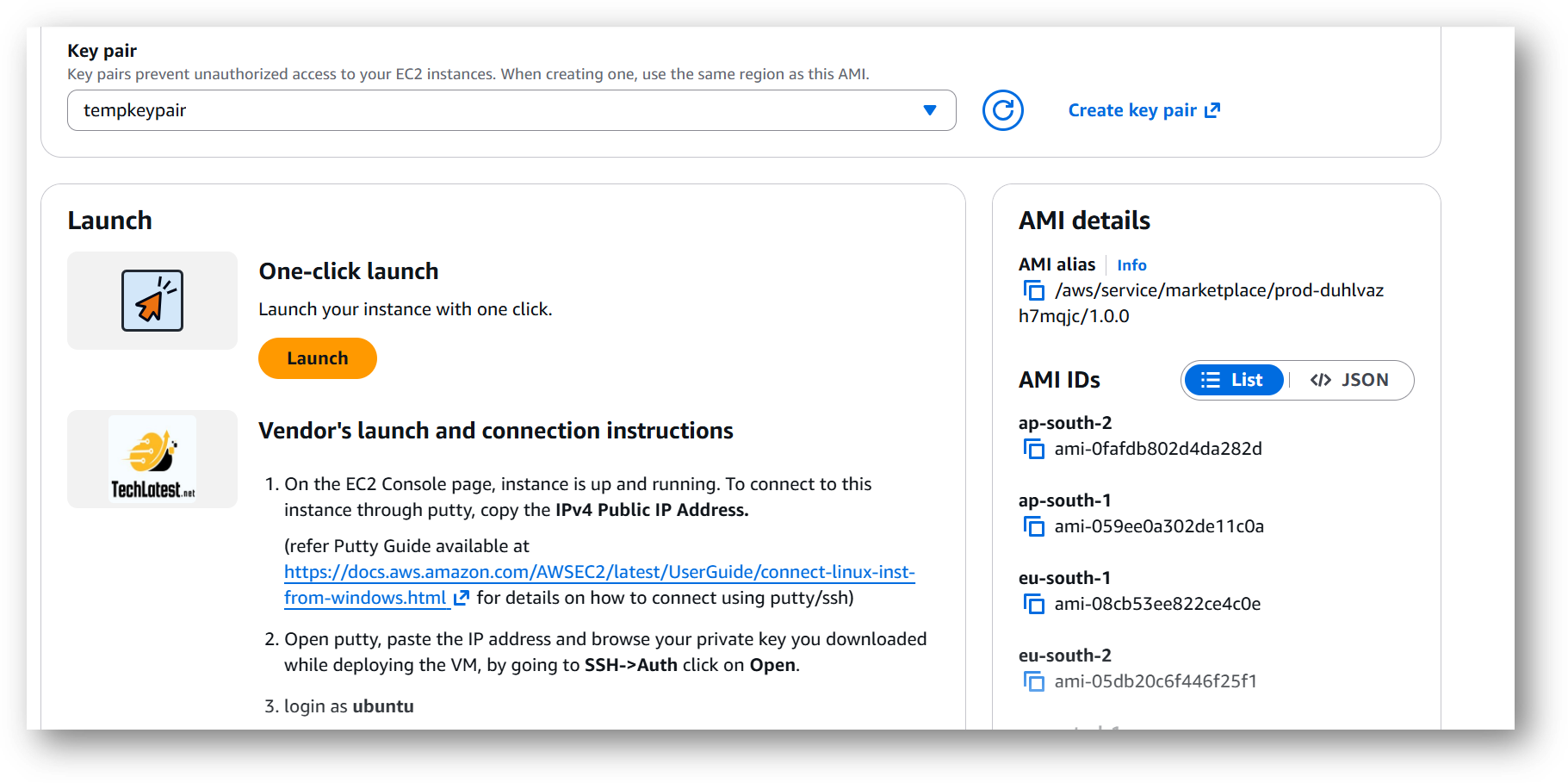
Be sure to download the key-pair which is available by default, or you can create the new key-pair and download it.
-
Click on Launch..
-
LocalAI: Self-Hosted Alternative to OpenAI & Anthropic will begin deploying.
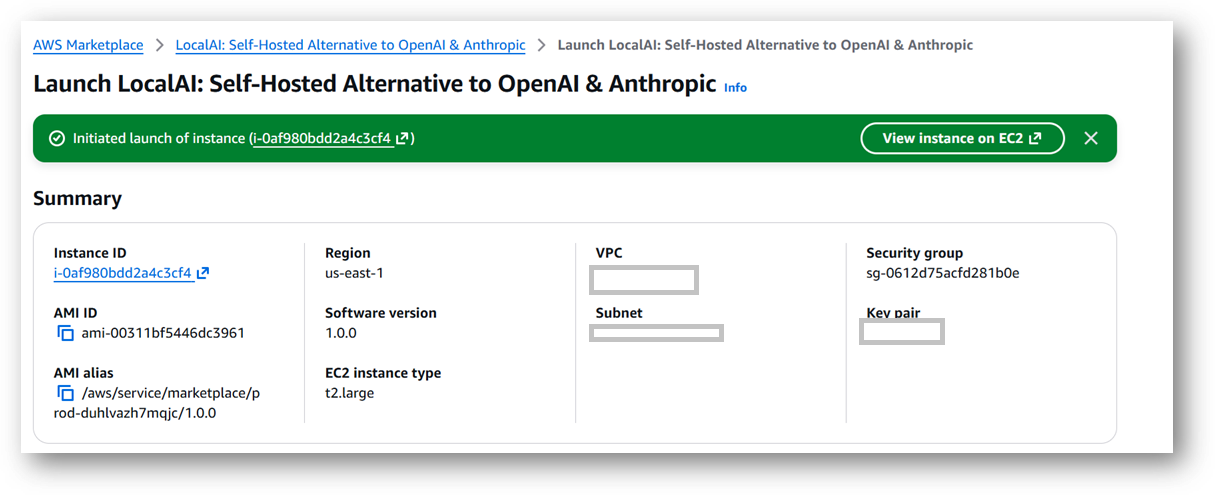
- A summary page displays. To see this instance on EC2 Console click on View instance on EC2 link.
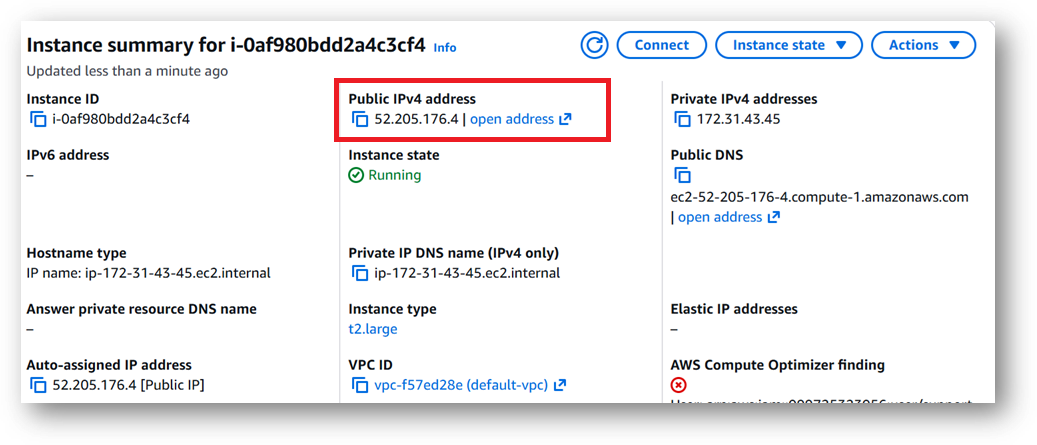
- To connect to this instance through putty, copy the IPv4 Public IP Address from the VM’s details page.
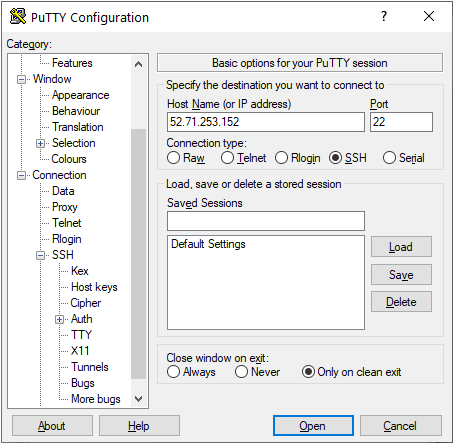
- Open putty, paste the IP address and browse your private key you downloaded while deploying the VM, by going to SSH->Auth->Credentials, click on Open. Enter ubuntu as userid
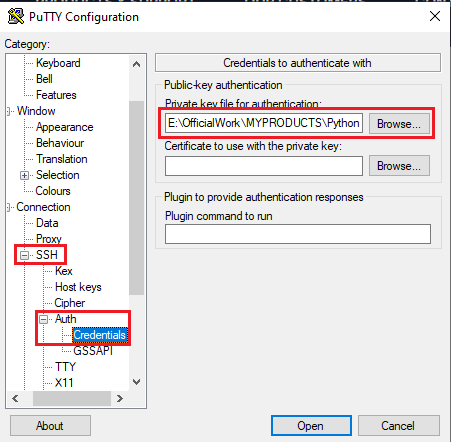
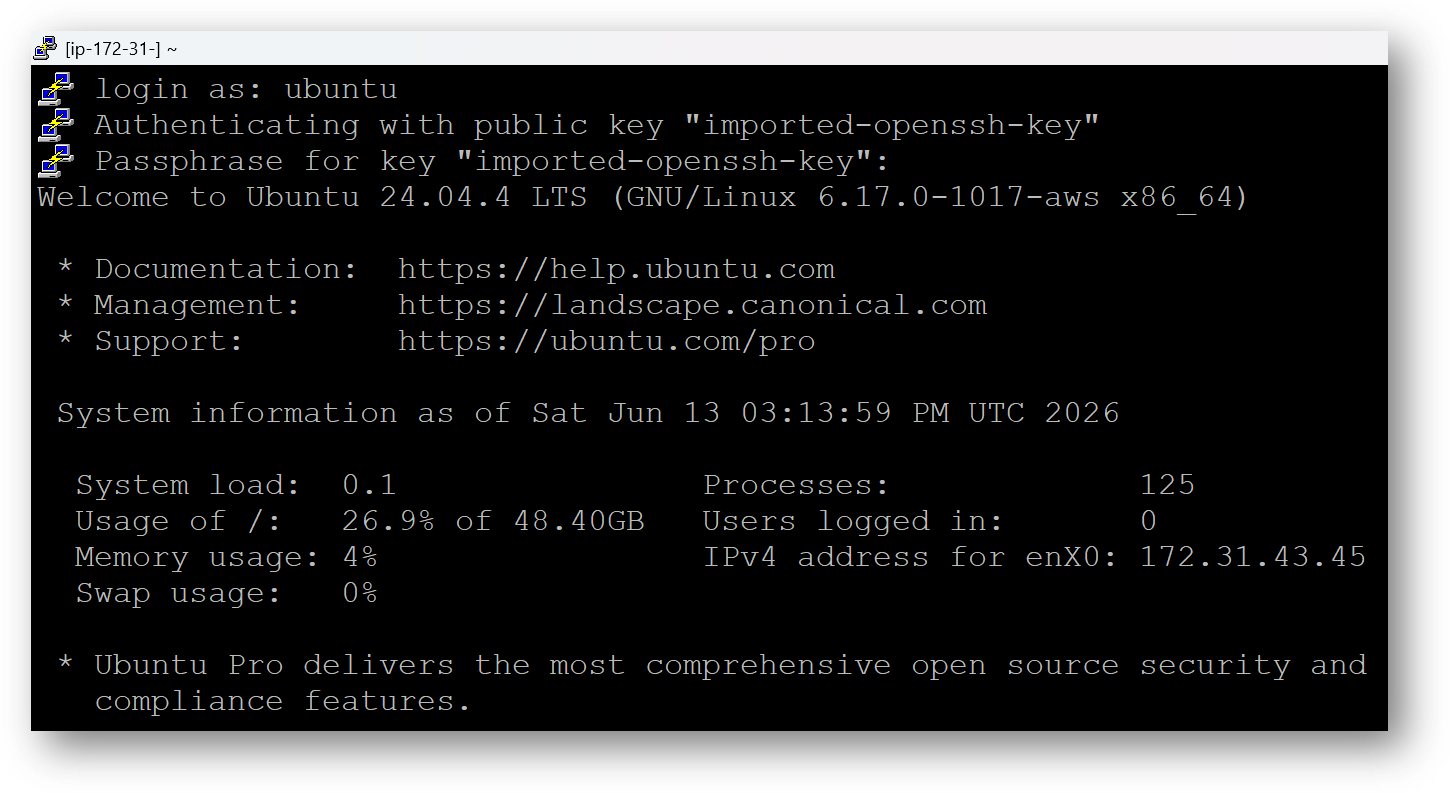
- Once connected, change the password for ubuntu user using below command
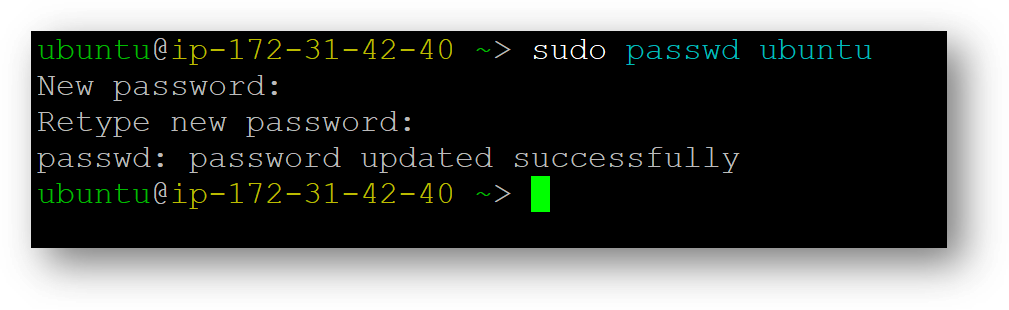
- Now the password for ubuntu user is set, you can connect to the VM’s desktop environment from any local Windows Machine using RDP protocol or Linux Machine using Remmina.
From your local windows machine, goto “start” menu, in the search box type and select “Remote desktop connection”. In the “Remote Desktop connection” wizard, copy the public IP address and click connect
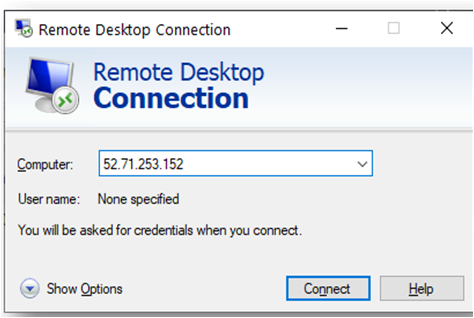
- This will connect you to the VM’s desktop environment. Provide the username “ubuntu” and the password set in the above “Reset password” step to authenticate. Click OK
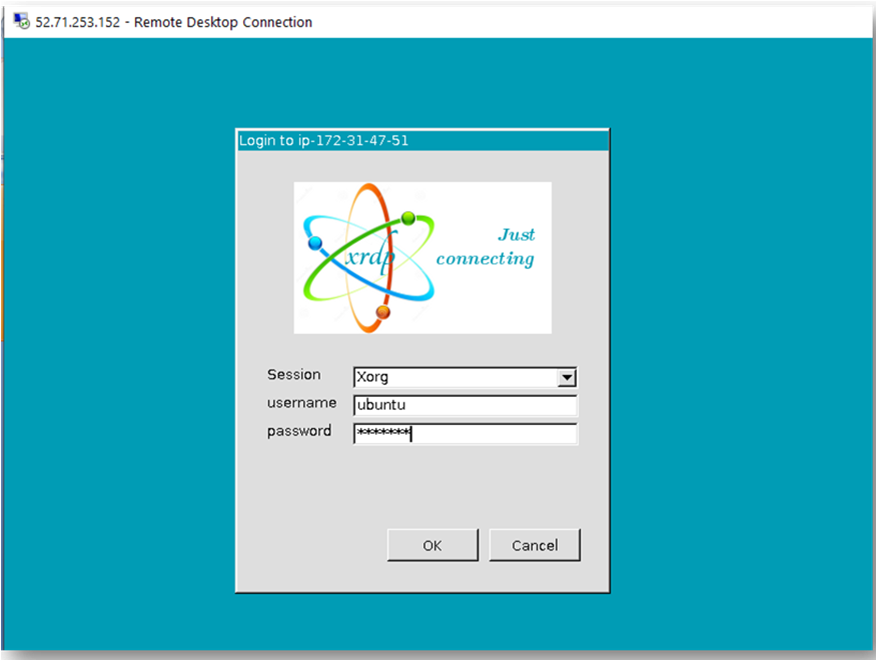
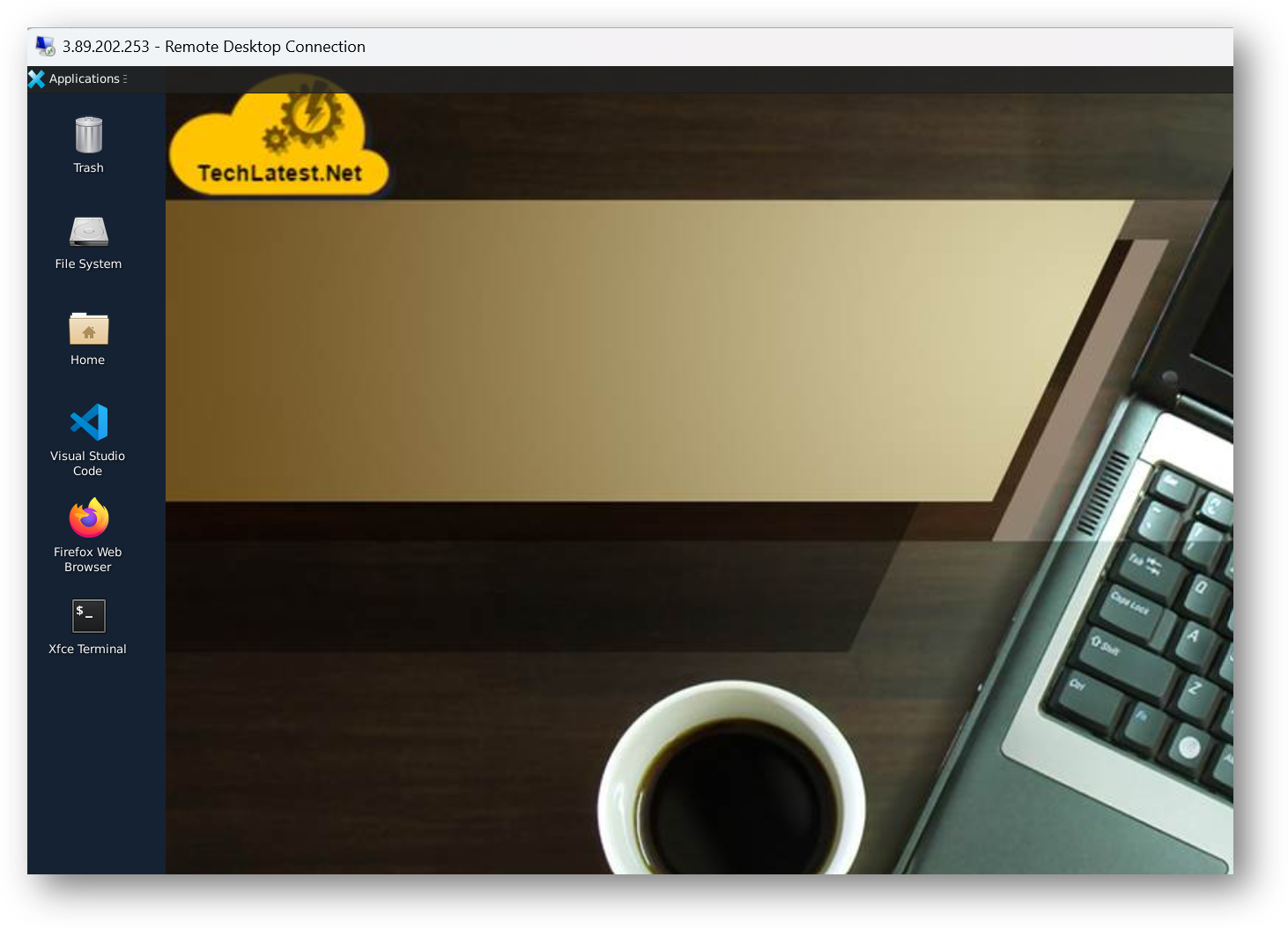
- Now you are connected to the out of box LocalAI: Self-Hosted Alternative to OpenAI & Anthropic VM’s desktop environment via Windows Machine.
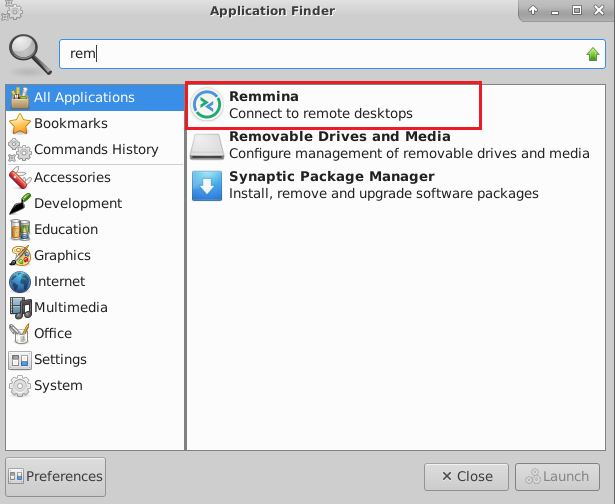
- To connect using RDP via Linux machine, first note the external IP of the VM from VM details page, then from your local Linux machine, goto menu, in the search box type and select “Remmina”.
Note: If you don’t have Remmina installed on your Linux machine, first Install Remmina as per your linux distribution.
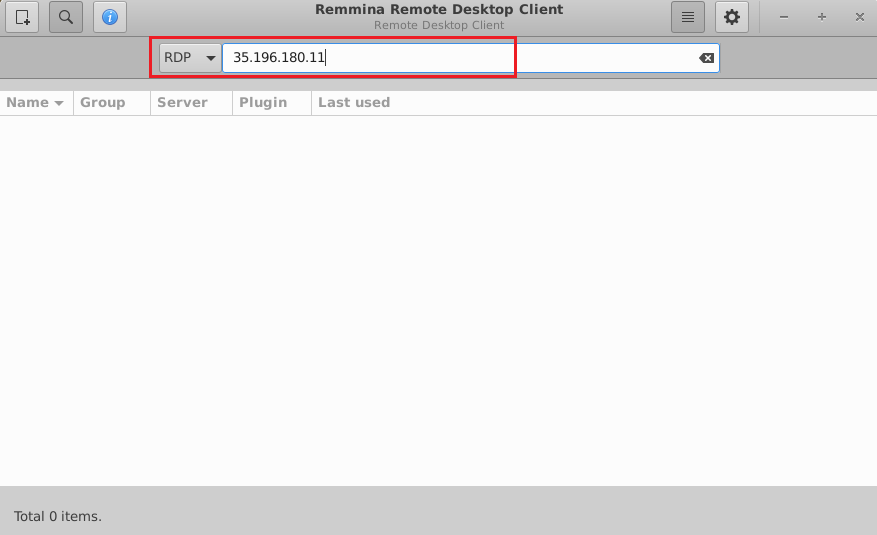
- In the “Remmina Remote Desktop Client” wizard, select the RDP option from dropdown and paste the external ip and click enter.
- This will connect you to the VM’s desktop environment. Provide “ubuntu” as the userid and the password set in above reset password step to authenticate. Click OK
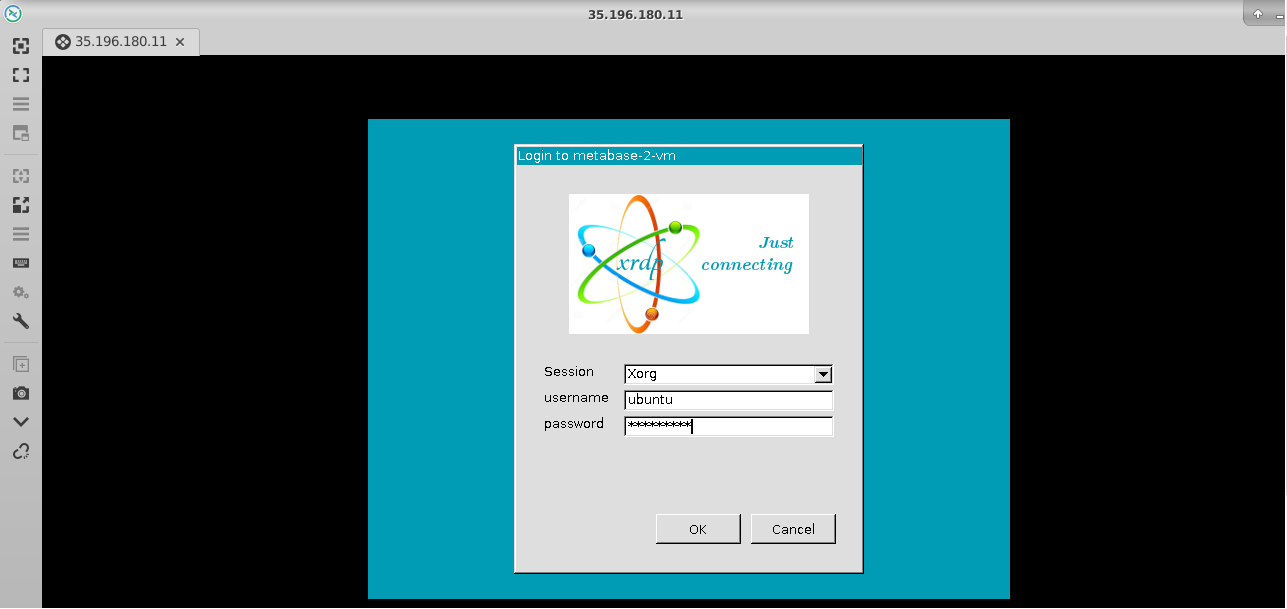
- Now you are connected to out of box LocalAI: Self-Hosted Alternative to OpenAI & Anthropic VM’s desktop environment via Linux machine.
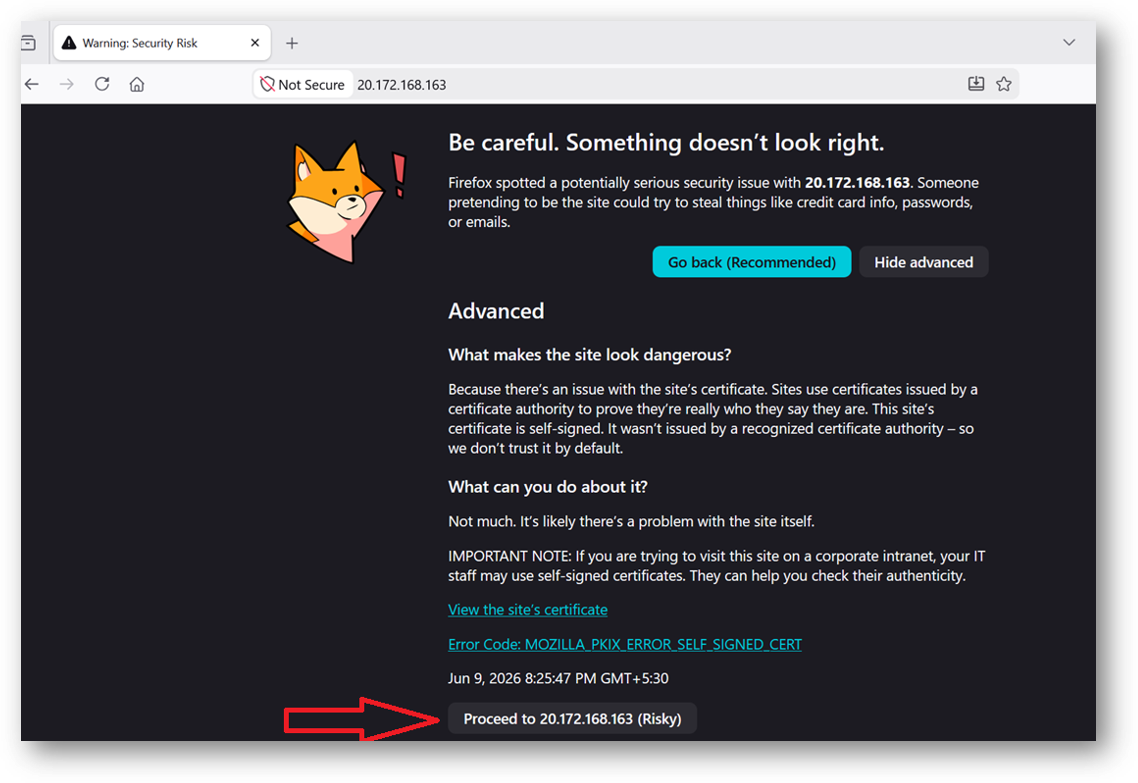
- To access the LocalAI Web Interface, copy the public IP address of the VM and paste it in your local browser as https://public_ip_of_vm.
Browser will display an SSL certificate warning message. Expand the warning message, accept the certificate warning and Continue.
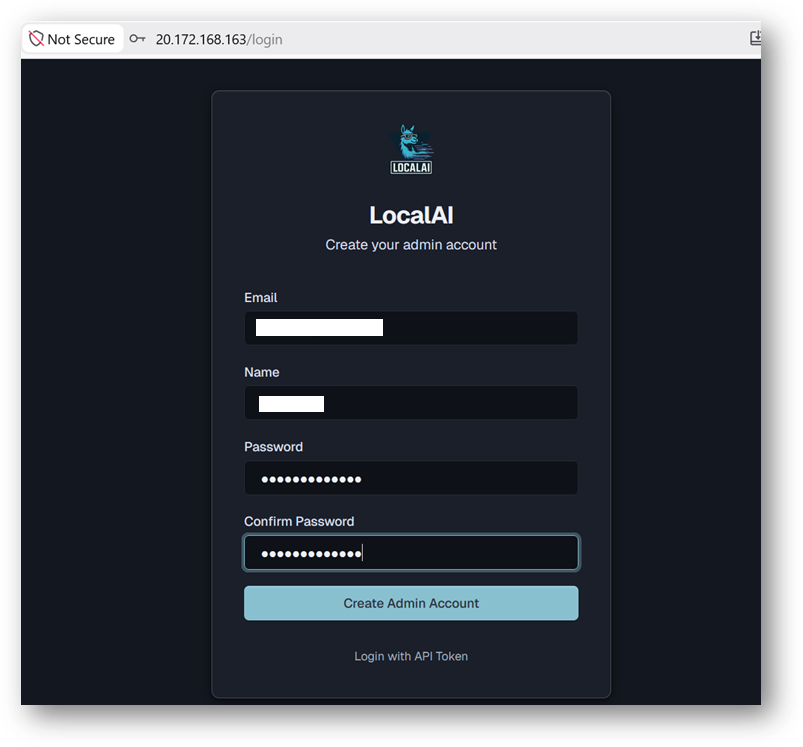
- It will open a Signup page. Provide the Email-ID, Username and Password of your choice and click Create Admin Account button.
- Now you are logged in to LocalAI Web Interface.
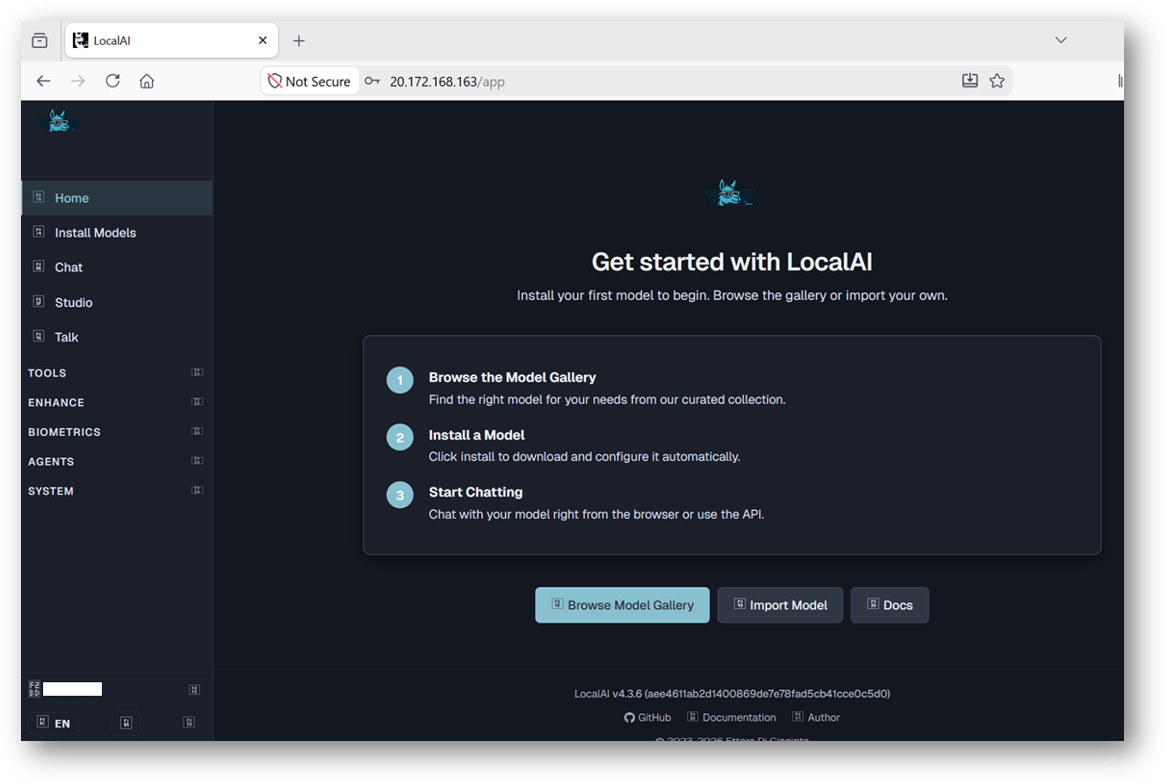
- The web interface lets you:
- Chat with any installed model
- Install models from the built-in gallery (Models page)
- Generate images, audio, and more
- Create and manage AI agents with MCP tool support
- Monitor system resources and loaded models
- Configure settings including GPU acceleration
- To get started, navigate to the Models page, browse the gallery, and install a model of your choice. Once installed, head to the desired page e.g chat, studio etc.
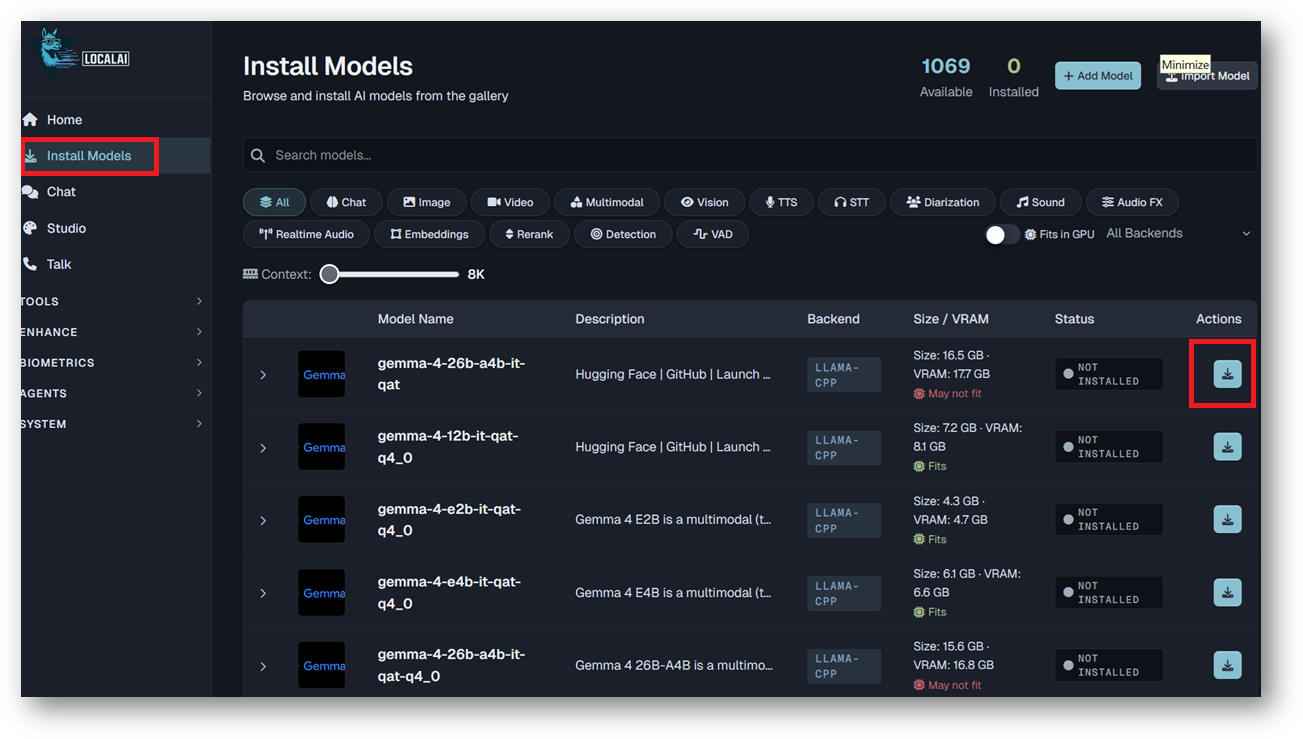
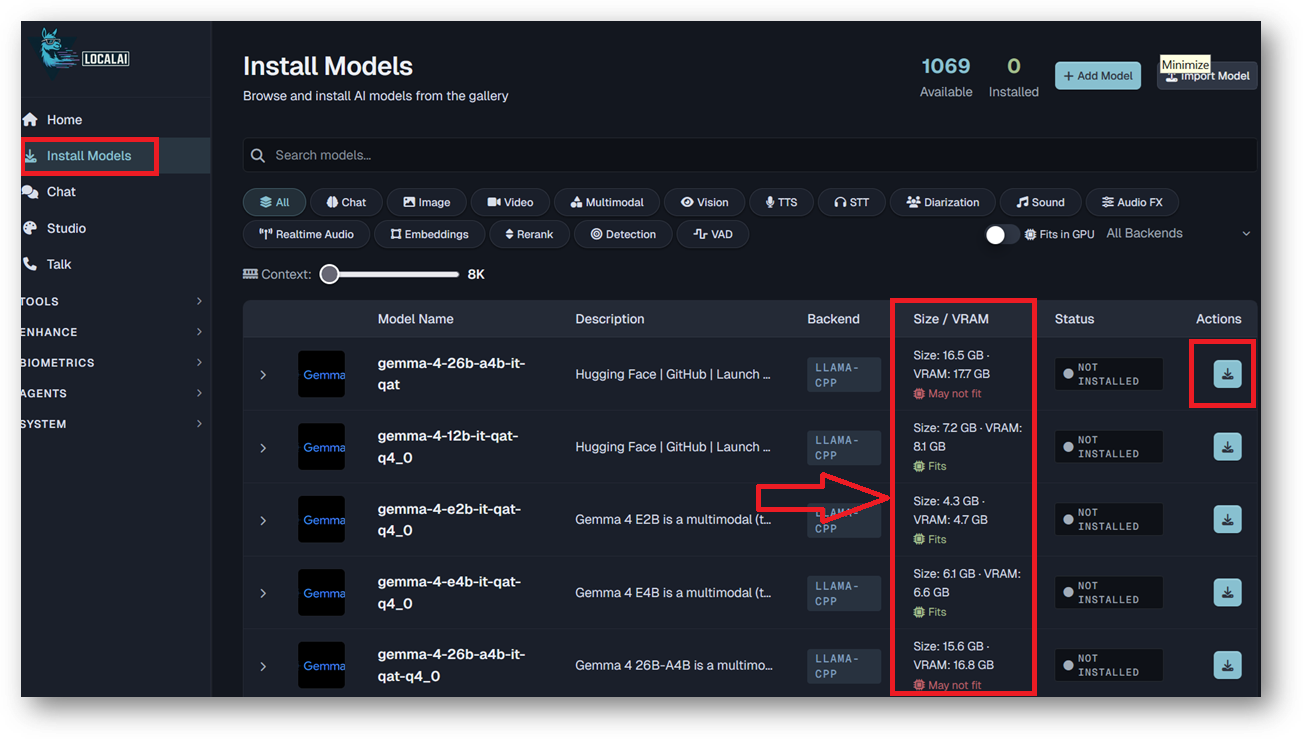
- When browsing the gallery or importing a model by URI, LocalAI can show estimated download size and estimated VRAM for models. If the estimated VRAM is insufficient for your desired model, stop the VM and increase the VM size. By default VM comes with 50GB of Disk, If the VM runs low on disk space after installing models, stop the VM and increase the disk size.
For more details, please visit Official Documentation page